
Your first project
Quark starts with a Start Window. Choose Open a project or solution to open an existing Hydrogen .hyproj file, or Create a new project to use the native project wizard.
- Open the Start Window and choose an existing project, local folder, or new project.
- In the IDE, look for Solution Explorer. Open a
.hysource file. - Set up the Hydrogen compiler (see Build and run).
- Select the project to build and choose Build Solution.
- Read the result in the Output pane.
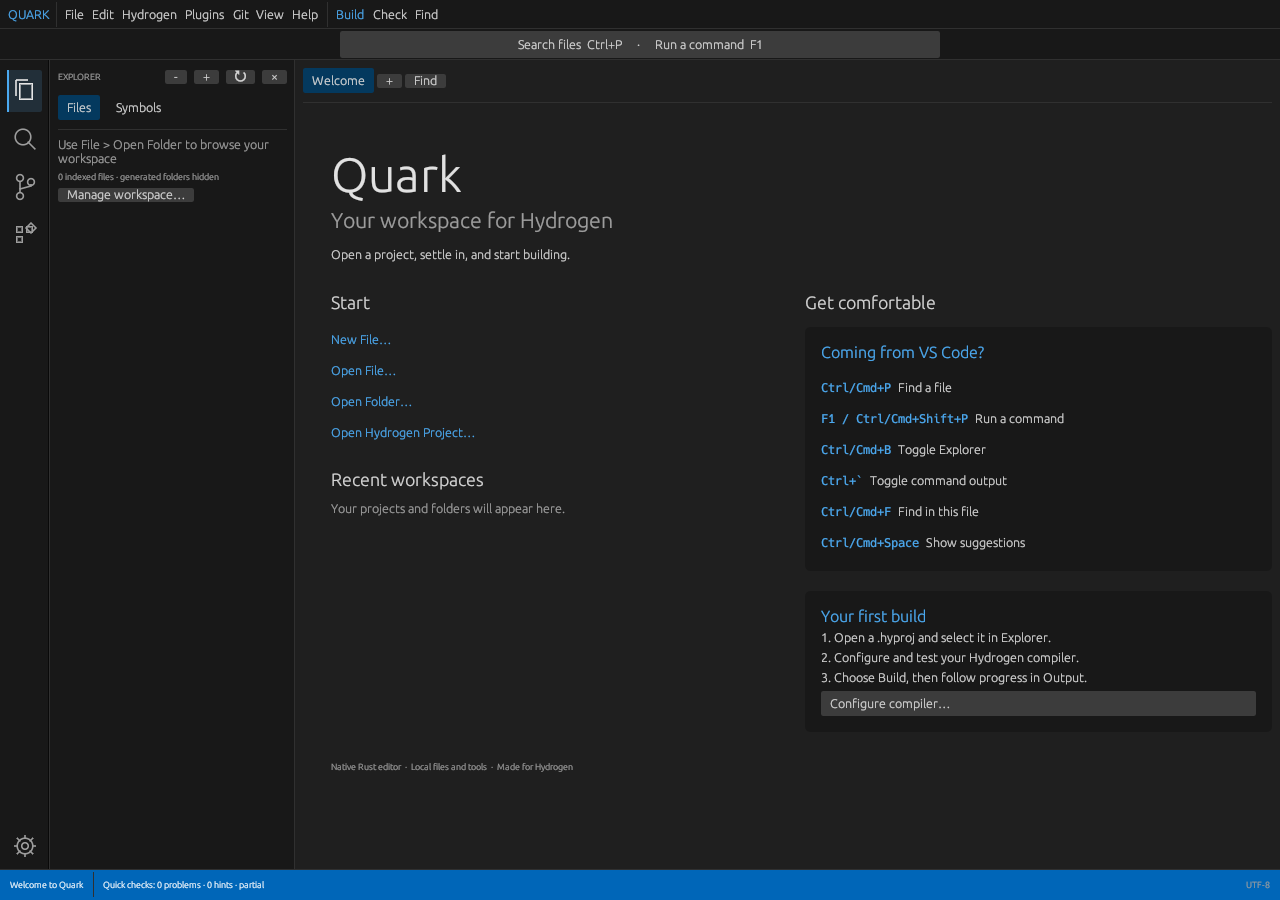
Screenshot from an earlier Quark Development interface. The current native Start Window may differ.